Get started quickly in just 3 steps
A fast and frustration-free way to set up Relego and start revisiting your highlights.
Import your highlights
A calm web interface
Import highlights, choose delivery, and send a recap without leaving the browser.

Why Relego is different
The problem
You highlight passages while reading, but they disappear into a file you never reopen. Without a system to surface them again, your best ideas fade away.
The name
From Latin re-lego, "to read again". Relego brings your highlights back through spaced repetition, so the words that struck you once can strike again.
The difference
Free, open-source, and self-hosted. No cloud accounts, no subscriptions, no tracking. Your reading data stays always on your machine.
Built for readers
Everything you need to rediscover your highlights. Nothing you don't.
Grouped by book
Browse all your highlights organized by book. Find any passage in seconds.
Built for e-ink
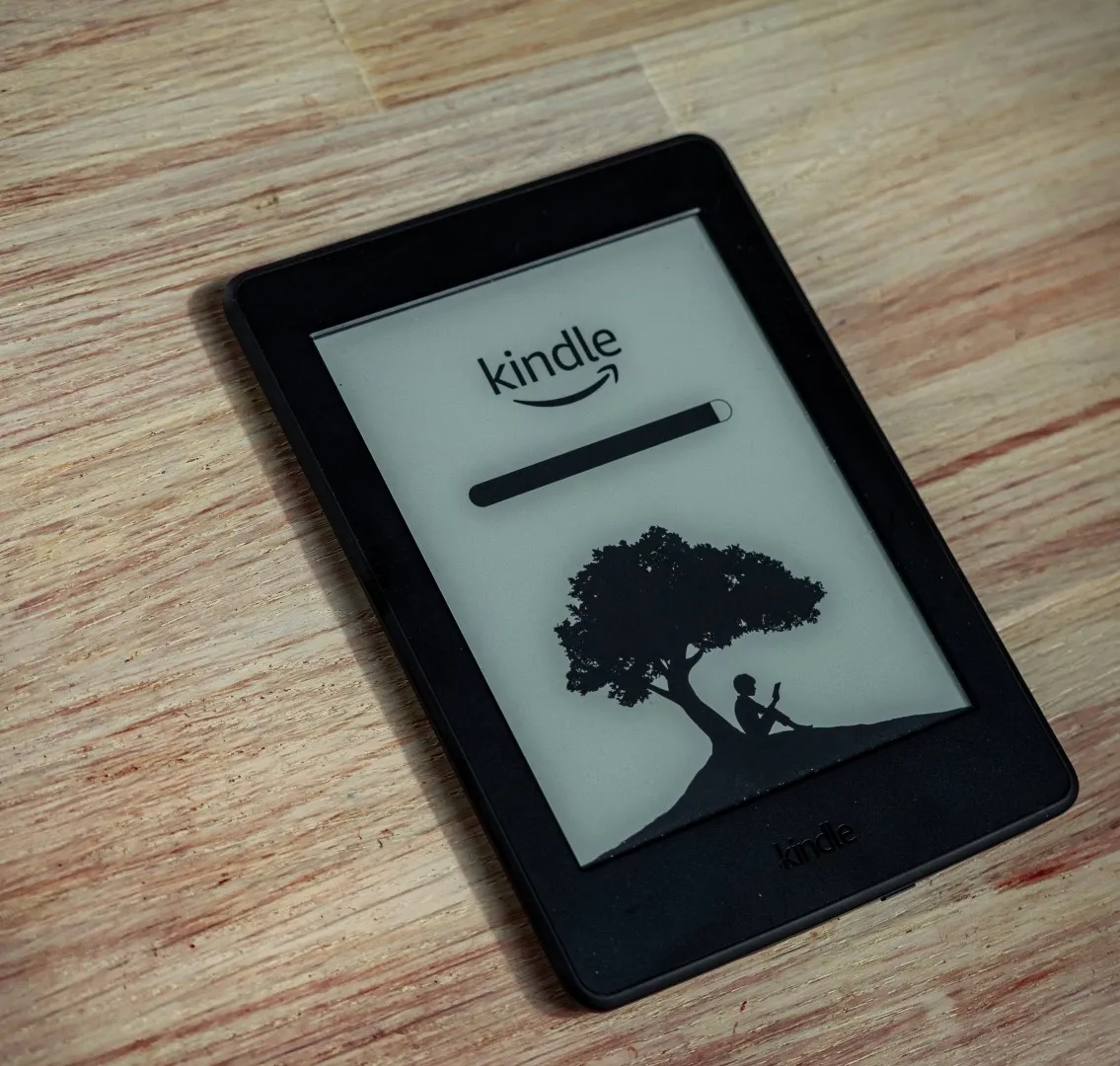
Recaps are formatted as clean documents optimized for e-ink display.
No lock-in
Your highlights stay on your machine. Export or delete them anytime.
Privacy
Everything runs locally. Your reading data never leaves your network.
Common questions about setup
Answers to the most common questions about Relego.
Do I need a cloud account or subscription?
Which SMTP providers are supported?
How often are recaps delivered?
Which readers are supported?
Where is my data stored?
Can I exclude specific books or highlights?
Ready to get started?
Browse the source code, read the documentation, and start revisiting your highlights today.
Contribute