Relego documentation
What is Relego?
Section titled “What is Relego?”Relego is a free, self-hosted way to revisit the passages you highlight while reading. It imports highlights from your Kindle or Kobo, selects a small set with spaced repetition, and delivers them back to your reader or inbox.
Your highlights stay on your own hardware. There is no account, subscription, or cloud service involved.
Set up your first recap
Section titled “Set up your first recap”You will need a Kindle or Kobo highlight file, Docker, and an SMTP relay. The smtp4dev demo profile is there if you want to test delivery before choosing a relay.
Set up your first recap
- Start the serverOpen the web interface when it is running. If it does not load, check the Docker command on the Import page.
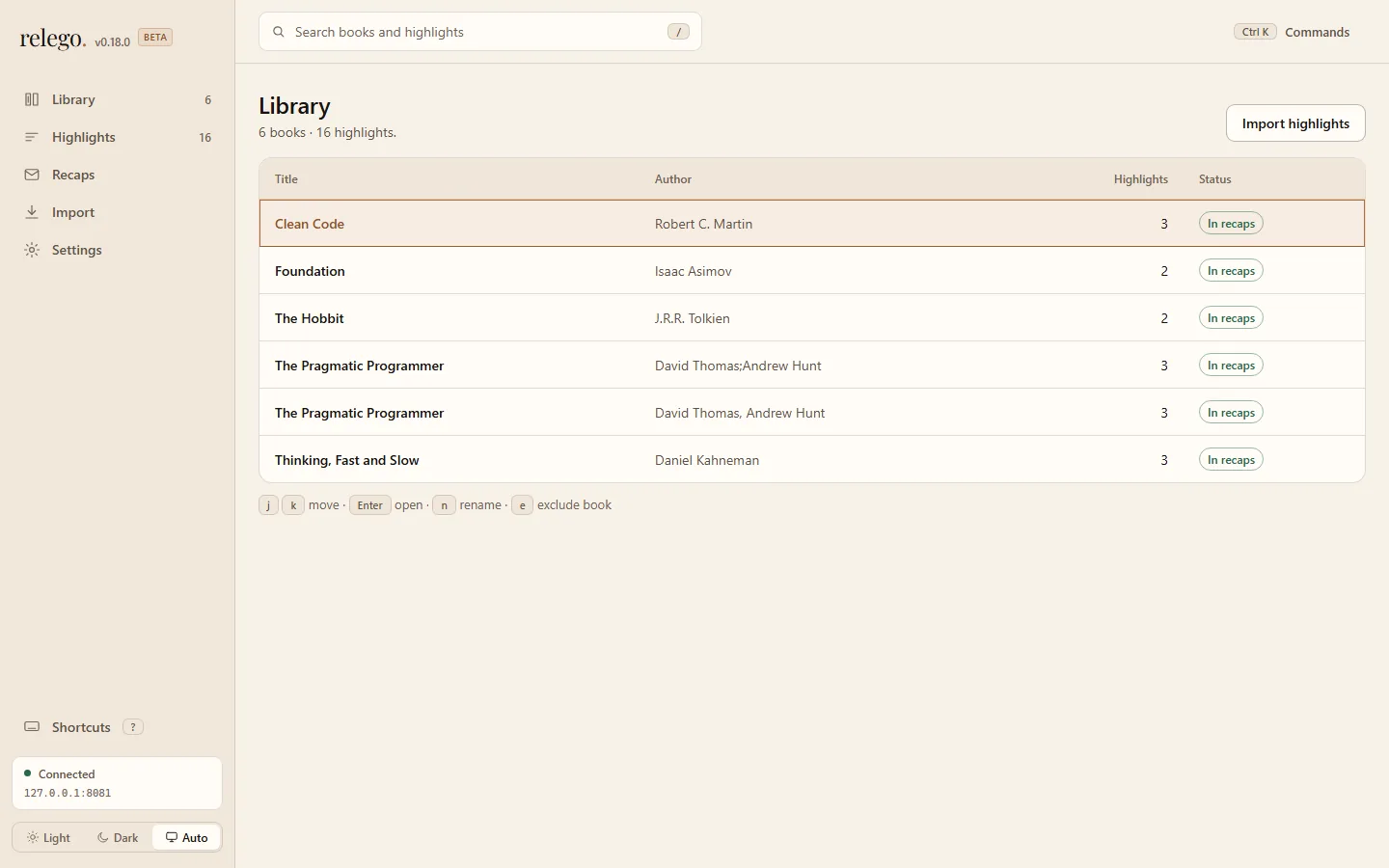
- Import your highlightsUpload the Kindle or Kobo file and confirm the library reports what it added.
- Set a delivery addressSave your Kindle address or inbox in Settings, then check the relay guidance if saving or sending fails.
- Send a recap nowUse Recaps to send immediately; the result arrives on Kindle or in the inbox you chose.
Want the fuller context first? Read The Round Trip.